Table of Contents
WordPress 7.1 “Mary Lou” Released: What’s New and Should You Update?
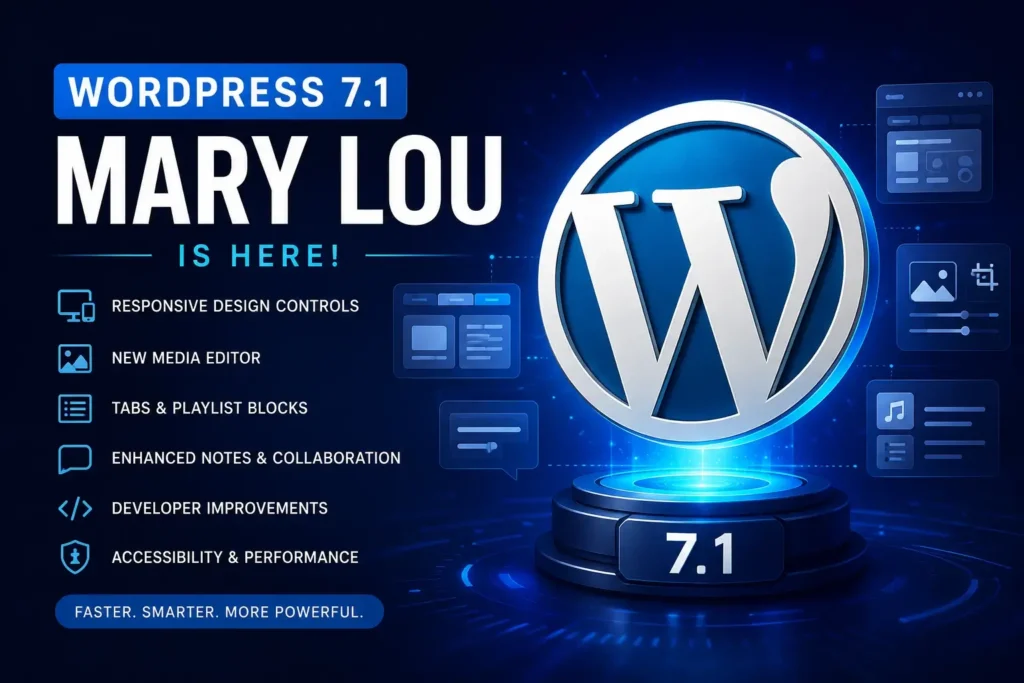
WordPress 7.1, codenamed “Mary Lou,” was officially released on August 19, 2026. The second major WordPress release of 2026 brings a large collection of improvements to the Block Editor, responsive design controls, media management, collaboration tools, accessibility, and developer APIs.
For website owners, WordPress 7.1 is more than a routine update. It changes several parts of the editing experience and introduces new functionality that can reduce the need for additional plugins or custom CSS.
At the same time, developers should pay attention to compatibility changes, particularly if a website uses custom Gutenberg blocks, legacy meta boxes, page builders, or plugins that interact directly with the editor.
What Is WordPress 7.1?
WordPress 7.1 “Mary Lou” is a major WordPress Core release focused on improving the way users design, edit, manage media, and collaborate on websites.
The release includes more than 1,500 enhancements and fixes, with contributions from more than 800 people worldwide. The official WordPress Field Guide reports more than 310 Core Trac tickets in the release, including more than 100 enhancements and more than 180 bug fixes.
The new version is available through the WordPress Dashboard under:
Dashboard → Updates → Update Now
WordPress also provides the official 7.1 download and documentation for developers and website owners.
If you have problems with updates or updates have failed, you can contact us to solve the problems.
WordPress 7.1 Responsive Design Improvements
One of the biggest improvements in WordPress 7.1 is the expansion of responsive styling controls.
Previously, developers and designers often needed custom CSS to create different styles for desktop, tablet, and mobile devices.
WordPress 7.1 adds more responsive controls directly to the Site Editor and Global Styles. Website owners can adjust how blocks appear at different screen sizes without necessarily writing custom CSS.
This can make responsive WordPress website development considerably easier.
For example, designers can control:
- Desktop layouts
- Tablet layouts
- Mobile layouts
- Block visibility
- Responsive spacing
- Typography
- Other supported block styles
WordPress 7.1 also allows block themes to define their own mobile and tablet breakpoints through theme.json.
For agencies building custom WordPress websites, this is an important step toward creating more flexible responsive layouts directly inside WordPress.
A Persistent WordPress Admin Bar
WordPress 7.1 also changes the way navigation works inside the administration interface.
The WordPress admin bar now remains available across supported editors, creating a more consistent navigation experience between the Dashboard, Site Editor, and Block Editor.
For regular users, this is a relatively small change, but it can make navigating between different parts of WordPress more convenient.
Developers who customize the WordPress toolbar should also test their customizations because the toolbar now behaves across additional editor contexts.
New Media Editor in WordPress 7.1
Image editing also receives a significant redesign.
WordPress 7.1 introduces a dedicated media editor workflow that brings several image editing tools together in one interface.
Users can now work with:
- Freeform cropping
- Aspect-ratio cropping
- Horizontal flipping
- Vertical flipping
- Precise rotation
- Snap rotation
- Image metadata
The familiar Crop button remains the entry point to the new workflow.
This should make basic image editing more convenient without requiring an external image editor or an additional WordPress plugin.
Improved Image Processing
Another interesting change is the move toward client-side media processing.
WordPress 7.1 can perform supported image processing operations in the browser before uploading the file to the server.
This can help reduce server-side processing requirements and potentially avoid some PHP memory or upload-timeout problems.
WordPress 7.1 also improves support for modern image formats, including:
This is particularly relevant as smartphones and modern cameras increasingly produce images in newer formats.
For image-heavy websites, photographers, portfolios, online stores, and media websites, these changes are worth testing.
New Playlist and Tabs Blocks
WordPress 7.1 introduces two new blocks that expand what can be built without third-party plugins.
Playlist Block
The new Playlist block allows multiple audio tracks to be presented together.
It can also display an optional waveform, giving visitors a visual representation of the currently playing track.
This could be useful for:
- Musicians
- Podcasters
- Artists
- DJs
- Audio portfolios
- Music websites
Tabs Block
The new Tabs block makes it easier to organize related content into separate tabbed sections.
Instead of displaying a long list of information on a page, website owners can organize content into multiple panels.
This can be useful for:
- Product information
- Services
- FAQs
- Specifications
- Pricing
- Documentation
- Comparison tables
WordPress 7.1 Developer Improvements
WordPress 7.1 includes several important changes for developers.
The release expands APIs for:
- Icons
- Automation
- Responsive styling
- DataViews
- DataForms
- Site Editor interfaces
- Block development
- Accessibility
One of the notable additions is the SVG Icon API, which provides a standardized way for developers to register and render custom icon collections in WordPress.
The Abilities API also receives improvements, including additional execution lifecycle hooks, validation options, and discovery capabilities. These changes can help developers build integrations and automation tools, including AI-powered WordPress functionality.
Should You Update to WordPress 7.1?
For most websites, yes — but test first if the site is important to your business.
A simple blog using a modern theme and well-maintained plugins will generally have a much easier upgrade path than a large WooCommerce store with years of custom development.
Before updating a production website, we recommend:
- Create a complete backup.
- Check that your theme supports WordPress 7.1.
- Update plugins before upgrading Core.
- Check plugin compatibility information.
- Create a staging copy if possible.
- Update WordPress to 7.1 on staging.
- Test the frontend.
- Test the WordPress Dashboard.
- Test contact forms.
- Test WooCommerce checkout if applicable.
- Test custom blocks and page builders.
- Check mobile layouts.
- Check website speed and Core Web Vitals.
Only after successful testing should you update a critical production website.
WordPress 7.1 and SEO
WordPress 7.1 does not automatically improve your Google rankings simply because you installed the update.
However, several changes can indirectly benefit website performance, usability, and technical SEO.
Responsive design improvements can make it easier to create mobile-friendly layouts. Improved image handling can help with modern media workflows, while cleaner editing tools can make content production more efficient.
For SEO-focused WordPress websites, the update should be considered part of a broader technical optimization strategy.
After updating, check:
- Mobile usability
- Page speed
- Core Web Vitals
- Image sizes
- Image formats
- Internal links
- Schema markup
- XML sitemap
- Robots.txt
- Canonical URLs
- Search Console
- Analytics
- Forms and conversions
Email: manager@webcodewp.com